Training Approvers on AP Software: How to Keep Invoice Approvals From Stalling
Written by the Aequo AP editorial team. Reviewed and updated November 17, 2026.
Why invoice approvals stall after AP software rollouts, how much approver training is really needed, and how to keep approvals moving without chasing.
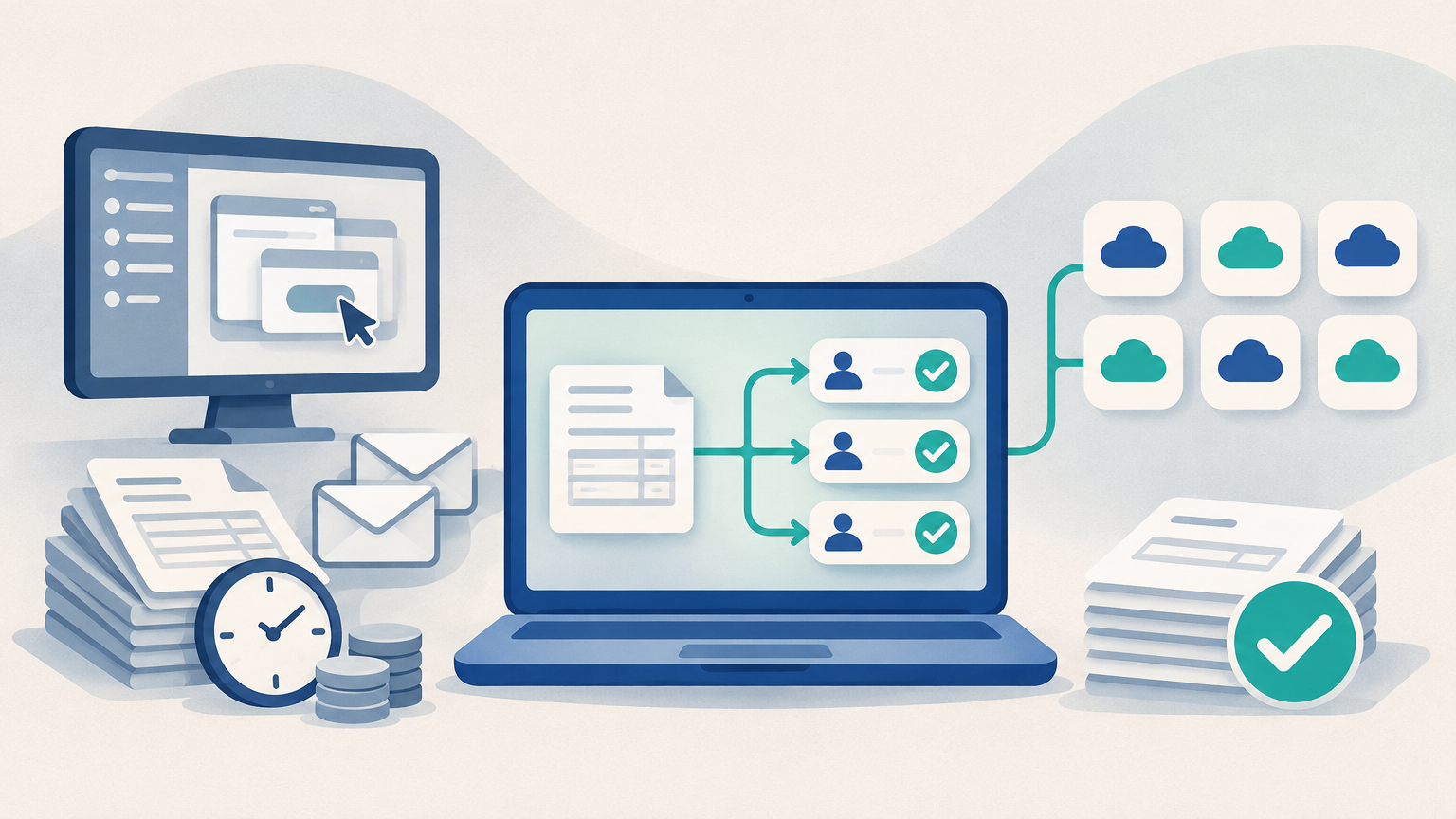
Invoice approvals usually stall after an AP software rollout because the approval process still depends on managers remembering to act. More training rarely changes that. What changes it is a workflow that routes each invoice to the right approver automatically and asks that approver for one simple decision, so there is little to learn and nothing to chase.
This guide explains why approvals stall, where training helps and where it doesn't, how heavier and lighter AP tools compare on rollout, and what each role actually needs to learn. It ends with a short self-assessment to help you tell a training gap from a process problem.
Why do invoice approvals still stall after you buy AP software?
Invoice approvals stall after a software purchase when the underlying process hasn't changed. Invoices sit in managers' inboxes, the AP team chases people by email, payment terms slip, and late fees start straining vendor relationships. The new tool is in place, but the invoices are stuck in the same spot.
The root cause is how accounts payable (AP) runs in most SMB and mid-market finance teams: as a chain of disconnected handoffs. Invoices arrive as PDFs and emails, someone keys them into the accounting system, and invoice approval happens wherever the approver happens to read email. When approval lives in email threads, nothing moves unless someone pushes it.
Buying AP software without changing that handoff just moves the bottleneck. Instead of an invoice waiting in an inbox, it waits in a portal the approver rarely logs into, and the AP team is back to sending reminder emails asking people to log in.
Why doesn't more training or more reminders fix it?
More training and more reminders don't fix stalled approvals because both still depend on individual diligence. Email reminders, shared spreadsheets and better checklists work only when every person follows them every time, so delays, duplicates and missed invoices still slip through.
Long training programs have a specific weakness with approvers. Most department managers approve invoices a few times a month. A training session that walks them through every screen of a complex tool assumes they will remember it weeks later, and occasional users rarely do. The result is a manager who forwards the invoice back to AP with "can you just approve this for me" or ignores the notification altogether.
Training also leaks out of the team. When an AP clerk leaves, their knowledge of which manager approves what, which vendors need special handling and where the half-finished invoices are leaves with them. The next person has to be trained from scratch, because the know-how was in someone's head instead of in the workflow.
Adding AP headcount has the same problem at a larger scale. Another clerk can chase more approvers and key more invoices, but that scales the manual process rather than fixing it, and many finance teams are now expected to absorb invoice volume growth without new hires.
How do heavier AP platforms compare with lighter, ERP-agnostic tools on training and rollout?
Larger AP platforms can solve the approval problem, but they often bring trade-offs a lean team should weigh carefully: replacing or heavily reworking the accounting system, a long implementation with a lot of training, and pricing that rises with every user. Lighter, ERP-agnostic tools take the opposite approach and sit alongside the accounting system you already use.
Per-user pricing deserves a closer look, because it affects approvals directly. When every seat costs money, teams limit who gets access. The managers who approve invoices occasionally are often the first to be left out, so their approvals go back to email, which is exactly where invoices were getting stuck. The people who need the simplest experience end up with the least access.
| Point to weigh | Heavier AP platform (typical) | Lighter, ERP-agnostic workflow (typical) |
|---|---|---|
| Effect on accounting system | Often assumes replacing or heavily reworking it | Sits alongside the existing system |
| Implementation effort | Longer project with a formal rollout | Smaller start, often trial-first |
| Training load | Broad training across many screens | Narrow training focused on each role's decision |
| Approver access | Can be limited by per-user pricing | Easier to give every approver access when users aren't priced per seat |
| Risk to month-end | Higher during migration | Lower, because the books stay where they are |
Neither column is right for every team. A company that is already replacing its ERP may be well served by a larger platform built into that project. A lean team that can't afford to disrupt its books usually gets more from a workflow that leaves the accounting system in place and keeps approver training short.
What does an approver actually need to learn?
An approver needs to learn one decision, not a system. The minimum approver skill set is three steps:
- Open the invoice from the notification.
- Check it against what was ordered or received.
- Approve it, or send it back with a short reason.
Automatic routing is what keeps that list short. When each invoice goes to the right approver based on rules the AP team sets up, the approver doesn't need to know the routing rules, the approval limits or who comes next in the chain. They only need to know whether this invoice is right.
Exceptions should stay with AP. A duplicate invoice, a price that doesn't match the purchase order, or a missing receipt is an AP problem to flag and resolve. Sending those tangles to approvers turns a two-minute decision into an investigation, and that is when invoices start sitting in inboxes again.
What should the AP team learn, compared with approvers?
The AP team and the controller need deeper training than approvers, because they own the workflow rather than a single decision in it.
AP team: review, exceptions and sync
An AP team's training should center on three jobs. First, reviewing captured invoice data instead of retyping it from PDFs and emails. Second, handling exceptions such as duplicates, mismatches and missing information before they reach an approver. Third, confirming that each approved invoice has synced correctly to the books, so typos and double entries don't surface later as mispayments or reconciliation gaps.
Controller or finance manager: rules, audit trail and month-end
A controller or finance manager needs to learn how approval rules are set and changed, how to read the audit trail, and which month-end checks confirm that AP and the general ledger agree. That last point is what keeps the close on schedule instead of slipping into a reconciliation scramble.
An audit trail on every invoice changes how audits feel. When each approval, rejection and change is recorded against the invoice, approval history is ready when auditors ask. Without one, the team reconstructs evidence from scattered emails and spreadsheets after the fact.
How do you roll out a new approval workflow without disrupting the books?
The lowest-risk rollout is a trial on real invoices, run alongside your current accounting system, starting with the approvers who cause the longest delays. A big-bang rollout trains everyone at once and tests nothing until it's live.
- Pull a short list of stalled invoices. Note which approvers held them and for how long. That list tells you where to start.
- Confirm your accounting system connection. Check whether the tool connects with your system today or only in early access. As one example, Aequo AP is ERP-agnostic and connects with QuickBooks Online, Xero, FreshBooks and Zoho Books, with NetSuite, Sage Intacct and Dynamics 365 Business Central available in early access.
- Set up routing rules before you train anyone. If routing is right, approver training shrinks to the three steps above.
- Pilot with the slowest approvers. Give them access, show them the three-step decision, and watch whether their approval times drop.
- Run the trial on live invoices. Keep your books where they are and compare what synced against what you expected.
- Expand to the remaining approvers. Add them in groups, and keep the AP team's exception handling in place throughout.
The cost-versus-headcount question is easier to answer when pricing doesn't depend on users. Aequo AP, for example, uses flat pricing based on invoice volume, and its plans include unlimited users, so giving every approver access doesn't add seat costs. Its pricing page shows a 14-day free trial, and the site says QuickBooks-led teams can start processing in under 30 minutes. Note that Aequo AP is AP automation, not a payments tool: vendor payments are not yet offered.
Self-assessment: is your approval process the problem, or your training?
Answer these four questions about your own team before you plan more training.
- How many invoices are waiting on an approver right now, and can you see who is holding each one?
- Did you pay a late fee or miss payment terms last quarter because an approval sat in someone's inbox?
- Do any approvers work outside your AP system because of seat costs or access limits?
- If your AP clerk left tomorrow, could someone else pick up every open invoice and its history?
How to read your answers: if you can't see who holds each invoice, or you missed terms because of a stalled approval, or approvers sit outside the system, or a departure would leave open invoices stranded, you have a process problem. Training alone won't fix it. If your answers are clean and approvals still lag, a short, role-specific refresher may be enough.
What good looks like once approvals are moving
Once approvals are moving, each invoice goes to the right approver automatically and gets approved in days, with nothing lost in email threads. Approvers spend a minute on a decision instead of hunting through a portal.
Invoice data is captured once and lands in the books accurately, so the AP team reviews it instead of keying it. Every invoice's status and history sits in one place anyone on the team can pick up, regardless of who processed it, and month-end close isn't held up by an approval chase.
If your self-assessment points to a process problem rather than a training gap, use the contact page on aequoap.com to talk through how invoice approvals move on your team today.
Ready to modernize your AP workflow?
See how Aequo automates invoice processing, exception management, and approvals for finance teams.