Screen 1 of 3
Connect FreshBooks during onboarding
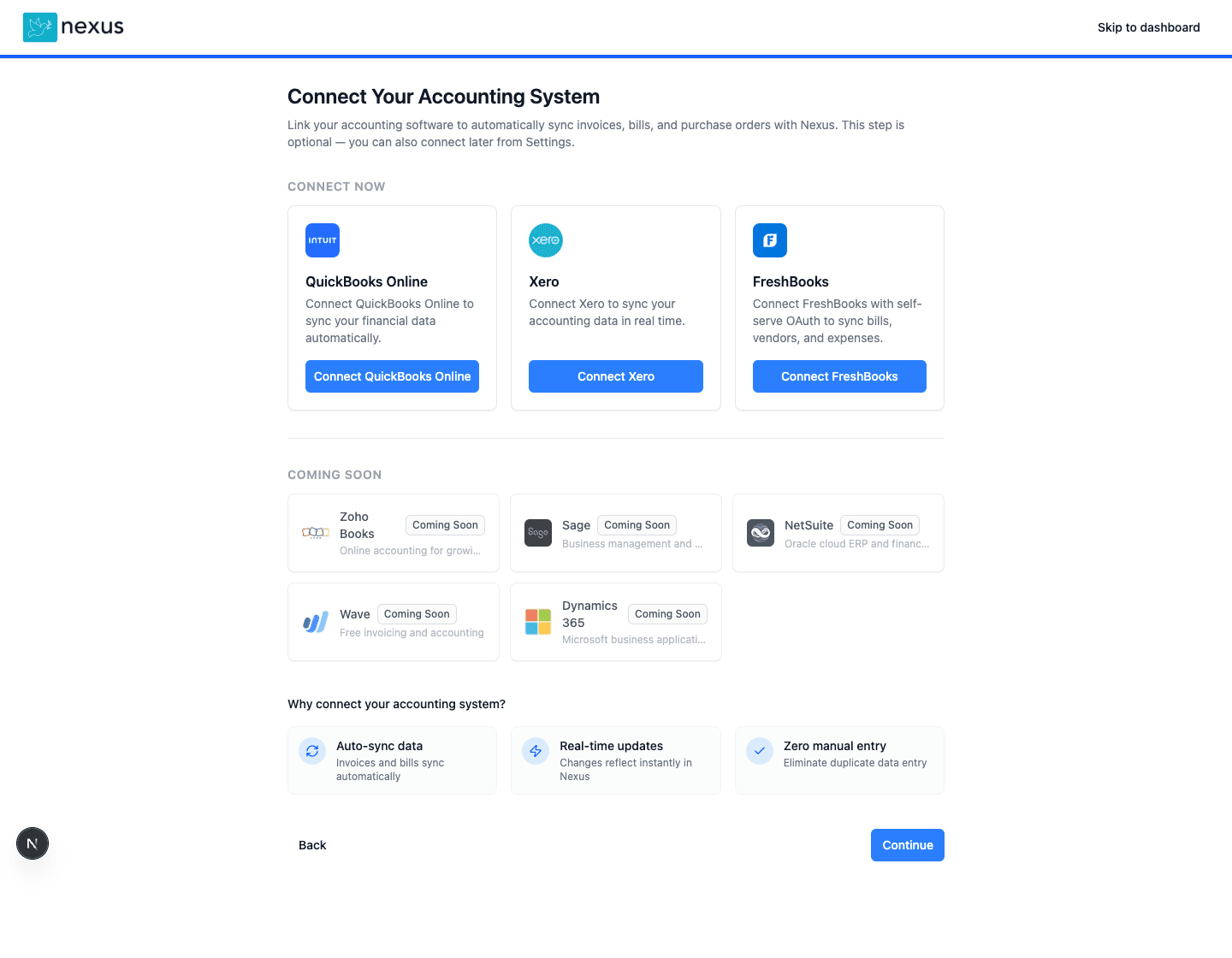
FreshBooks is available directly in the onboarding flow so customers can enable the integration without emailing sales or support.
Capture, approve and check vendor invoices before they become bills in FreshBooks, with self-serve setup
Aequo connects to FreshBooks by OAuth, self-serve. Contacts, the chart of accounts, bills, expenses and bill payments sync from FreshBooks; AI reads each invoice, suggests account codes, routes approvals by rule and flags likely duplicates; and each approved invoice is created as a FreshBooks bill. Plans start at $199 a month with unlimited users.
Last updated
Available now
QuickBooks Online, Xero, FreshBooks, Zoho Books and Business Central are available today.
Fast setup
QuickBooks-led teams can connect, upload a batch, and review matching in under 30 minutes.
Pricing clarity
Starts at $199/month with unlimited users and no per-user pricing traps.
Safe to evaluate
Audit trail, approval controls, and exception workflows are built into the product from day one.
Aequo is accounts payable automation for FreshBooks. It reads vendor invoices with AI, codes them to FreshBooks accounts, routes approvals by amount, vendor, account or department, flags likely duplicates, and creates each approved invoice as a FreshBooks bill. Contacts, accounts, bills, expenses and bill payments sync from FreshBooks, and setup is self-serve. Plans start at $199 a month with unlimited users.
Key Industry Data
Product Screens
These screens show the real onboarding, integration, and approval workflow surfaces used to connect and operate Aequo AP with FreshBooks.
Screen 1 of 3
FreshBooks is available directly in the onboarding flow so customers can enable the integration without emailing sales or support.
Low-friction next step
Get the rollout steps, sync expectations, and what to validate first when evaluating the FreshBooks integration.
If you're experiencing these issues, Aequo AP can help
Everything you need to automate AP with your existing accounting system
Reads header and line items from emailed or uploaded invoices
Suggests an account from your FreshBooks chart for each line
Routes by amount, vendor, account or department, with approver suggestions
Scores each invoice against past invoices from the same vendor
Creates the approved bill in FreshBooks and confirms it arrived
Bill payments recorded in FreshBooks mark invoices partly paid or paid
Contact, bill, expense and payment changes reach Aequo by webhook
Connect FreshBooks from inside Aequo without contacting support
Invoices are read and turned into FreshBooks bills
Every approval and rejection is logged against the invoice
Likely duplicates are flagged while the invoice is in review
FreshBooks stays your accounting system
Bi-directional sync keeps your data consistent
Imported as suppliers
real timeImported for coding
on demandImported; approved invoices written as FreshBooks bills
real timeUpdate invoice payment status
real timeImported for spend history
real timeGet started with FreshBooks integration quickly
Create or sign in to your Aequo account.
Open Integrations (or onboarding) and connect FreshBooks.
Authorize the FreshBooks business you want to sync.
Run the first sync for contacts, accounts, bills, expenses and payments.
Set vendor coding defaults and approval rules.
Approve a first batch and check the bills in FreshBooks.
The details integration reviewers and implementation owners usually need up front.
FreshBooks users should be able to turn the integration on without emailing sales or support. This flow is available from the product today.
A FreshBooks customer can sign up for Aequo, open the integrations area, and start the OAuth authorization flow directly. No manual provisioning step is required before the first connection.
This page is the public integration destination for FreshBooks reviewers, customers, and marketplace links. It explains what the integration does, how setup works, and what to expect after connection.
After signup, users can connect FreshBooks from onboarding or from the authenticated integrations screen. The same OAuth path is available in both places.
FreshBooks reviewers typically want the operating policy stated plainly rather than inferred from generic site copy.
Support requests are accepted through support@nexusap.com and the contact form. The team monitors requests on business days across UK and US working hours, prioritizes onboarding blockers and production-impacting issues first, and handles routine configuration questions in the normal support queue.
The integration is intended for FreshBooks customers using supported API-backed accounting accounts. If a FreshBooks subscription tier limits the number of clients or records available in FreshBooks itself, those same FreshBooks-side limits continue to apply when Aequo syncs against that account.
Aequo focuses on AP automation around FreshBooks rather than replacing FreshBooks bookkeeping. Teams keep FreshBooks as the accounting system of record while Aequo handles intake, approvals, and workflow control.
The partner review also asks for a clear link back to FreshBooks with a short description.
FreshBooks is cloud accounting software for small businesses and service-based teams, covering invoicing, expenses, bookkeeping, and client management.
FreshBooks stays your accounting system. Aequo imports contacts, the chart of accounts, bills, expenses and bill payments, and writes each approved invoice back to FreshBooks as a bill.
Changes to contacts, bills, expenses and payments in FreshBooks reach Aequo through FreshBooks webhooks, and you can run a sync at any time.
Aequo reads each new bill back from FreshBooks to confirm it exists before marking the invoice synced, and a retried write reuses the bill it already created, so one invoice cannot become two bills.
Bill lines do not carry FreshBooks expense categories yet; check categories on the bill in FreshBooks if your reports depend on them.
| Data | Direction | What happens |
|---|---|---|
| Contacts | FreshBooks to Aequo | FreshBooks contact records are imported as suppliers and kept in step by webhook. |
| Chart of accounts | FreshBooks to Aequo | Imported so invoice lines are coded to your FreshBooks accounts. |
| Bills | Both ways | Existing bills are imported. Each approved invoice becomes a FreshBooks bill with the vendor, bill number, issue and due dates, currency, and each line’s description, quantity, unit cost and amount. |
| Bill payments | FreshBooks to Aequo | Payments recorded in FreshBooks mark the invoice partly paid or paid in Aequo. |
| Expenses | FreshBooks to Aequo | Imported so spend history is complete. |
| Purchase orders | Not synced | FreshBooks has no purchase orders. POs kept in Aequo can still be matched. |
Invoices are captured, coded to your FreshBooks accounts, optionally matched to POs kept in Aequo, approved, checked for duplicates and then created as bills in FreshBooks.
FreshBooks tracks bills and vendors on its Premium and Select plans, and its Bill Pay feature sends vendor payments. Aequo adds invoice reading, approval routing, duplicate checks and an audit trail in front of those bills.
What FreshBooks does well: FreshBooks says accounts payable is available on its Premium and Select plans, tracking bills and vendors and feeding cash flow and profit and loss reports. Bills are entered with line items and attachments, and you can mark one bill or several bills paid at once. Bill Pay lets you upload, schedule and send vendor payments by ACH or check from FreshBooks.
Where teams outgrow it: the FreshBooks pages we checked do not describe approval workflows or purchase orders, and bills are keyed in by hand. Once more than one person needs to sign off, or invoice volume makes typing each bill a real cost, teams look for capture and approvals in front of FreshBooks.
Where Aequo adds to FreshBooks: Exception-first matching: invoices that fit the PO within your tolerances clear on their own, and the rest land in an exception queue with a reason, an owner, an SLA and a proposed fix.
Approver suggestions: when no approval rule covers an invoice, Aequo suggests the person who approved similar invoices from that vendor before, with a confidence level and the reason. Nobody is assigned until a person confirms.
Duplicate detection: each invoice is compared with past invoices from the same vendor, including near-identical invoice numbers and amounts within about 2%, and given a risk level with the evidence.
Flat pricing with unlimited users: approvers, reviewers and auditors do not need paid seats. Starter is $199 a month for up to 250 documents, Growth $699 for 1,000 and Scale $1,999 for 5,000, all with unlimited users.
If one owner enters and pays a handful of bills a month, FreshBooks on its own is likely enough.
| Capability | FreshBooks (per FreshBooks) | Aequo |
|---|---|---|
| Bill entry | Bills entered with line items and attachments | Forwarding inbox or upload; AI extracts header and lines |
| Approvals | Not described | Multi-step rules; approver suggestions |
| Purchase orders | Not described | POs kept in Aequo can be matched |
| Duplicate checks | Not described | Risk-scored against past invoices |
| Paying bills | Bill Pay: ACH or check | Coming soon; today you pay in FreshBooks and status syncs back |
Fewer than for QuickBooks or Xero. On the pages we checked, Dext, Hubdoc, BILL, Melio and Ramp do not name FreshBooks as an integration, so most FreshBooks teams choose between FreshBooks Bill Pay and a tool that writes bills into FreshBooks directly, such as Aequo.
| Tool | What the vendor publishes about this system | Pricing model (vendor’s own page) |
|---|---|---|
| FreshBooks Bill Pay | Built in: schedule and send vendor payments by ACH or check | Part of FreshBooks; fees not published on the page checked |
| Dext | Integrations page does not name FreshBooks; a FreshBooks customer story mentions wanting a Dext integration | From $25.21 a month |
| Hubdoc | Pricing page names Xero and QuickBooks Online, not FreshBooks | $12 a month |
| BILL, Melio, Ramp | Pricing pages do not name FreshBooks | Per their pricing pages |
| Aequo | Direct OAuth connector: contacts, accounts, bills, expenses and payments in; approved bills out | Starter $199 a month; unlimited users |
Setup is self-serve and usually takes an afternoon. No one needs to contact sales or support to connect.
Yes. FreshBooks users can sign up, open the integrations area in Aequo, and complete the OAuth connection themselves. Support is available if needed, but it is not required to turn the integration on.
Each approved invoice becomes a FreshBooks bill with the vendor, bill number, issue and due dates, currency, and each line’s description, quantity, unit cost and amount. Aequo reads the bill back to confirm it exists, and a retry cannot create a second bill.
FreshBooks has no purchase orders, so none are synced. If you raise purchase orders in Aequo, invoices are matched to them before approval.
FreshBooks customers whose plan includes bills (FreshBooks lists accounts payable on Premium and Select). Any FreshBooks-side plan limits still apply because Aequo works within the connected account.
Customers can contact Aequo through support@nexusap.com or the contact form. On business days, onboarding blockers and production-impacting issues are prioritized first, and standard configuration questions follow through the normal support queue.
Yes. FreshBooks says accounts payable (bills and vendors) is available on its Premium and Select plans, and Bill Pay sends vendor payments by ACH or check. It does not describe approval workflows or purchase orders, which is the gap Aequo fills.
In FreshBooks you can mark one bill or several bills paid at once, per FreshBooks support. When you do, the payment syncs to Aequo and the invoice shows as partly paid or paid there.
Yes, it is the same document seen from two sides. Your vendor sends you an invoice; in your books it is a bill you owe. Aequo reads the vendor’s invoice and creates the bill in FreshBooks.
Pricing models differ more than features. Some tools charge per user (BILL lists $49 to $89 per user a month), some charge a platform fee plus per-invoice or per-payment fees (Tipalti starts at $99 a month plus usage), and several publish no prices at all (Stampli, AvidXchange, Medius, Zone & Co). Aequo charges a flat monthly price by document volume: Starter is $199 a month for up to 250 documents, Growth $699 for 1,000 and Scale $1,999 for 5,000, all with unlimited users.
Workflow Proof
For integration-led buyers, trust comes from clear live-now availability, practical setup expectations, and a straightforward evaluation path.
Connect QuickBooks, upload a real invoice batch, and review matched results the same day — evaluation happens on your invoices, not a slide deck.
Time-to-value measured in minutes, not an implementation project
Approved invoices post back to your accounting system as coded bills, so review does not turn into a second round of data entry.
Less manual entry and cleaner month-end reconciliation
Teams that want AP automation without enterprise rollout overhead can validate fit in a free trial before committing to anything.
Faster evaluation and simpler team rollout
Checked on 2026-10-24. Vendor features and prices change; confirm current details with each vendor.
The AP tools that work with FreshBooks, compared from each vendor’s own pages.
Capture, match, approve and check invoices before they become bills in QuickBooks Online, which stays your system of record
Capture, match, approve and check invoices before they become bills in Xero, which stays your system of record
Capture, match, approve and check invoices before they become bills in Zoho Books, which stays your system of record
Stop typing invoice data. Let AI capture and extract data from any invoice format in seconds.
Get invoices approved faster with smart routing and mobile approvals. No more chasing signatures.
See how Aequo AP compares to Bill.com for accounts payable automation
Start your free trial today and experience the difference AI-powered automation makes.